How to Overlay Images Online for Free: Step-by-Step Guide
Learn how to overlay images online for free. Add, resize, position, blend, and export image layers in your browser without signup or a watermark.
Read the guidePractical, tested guides for combining pictures online and inside the tools people already use. Every tutorial ends with a result you can make, inspect, and download.
Open the free image overlay tool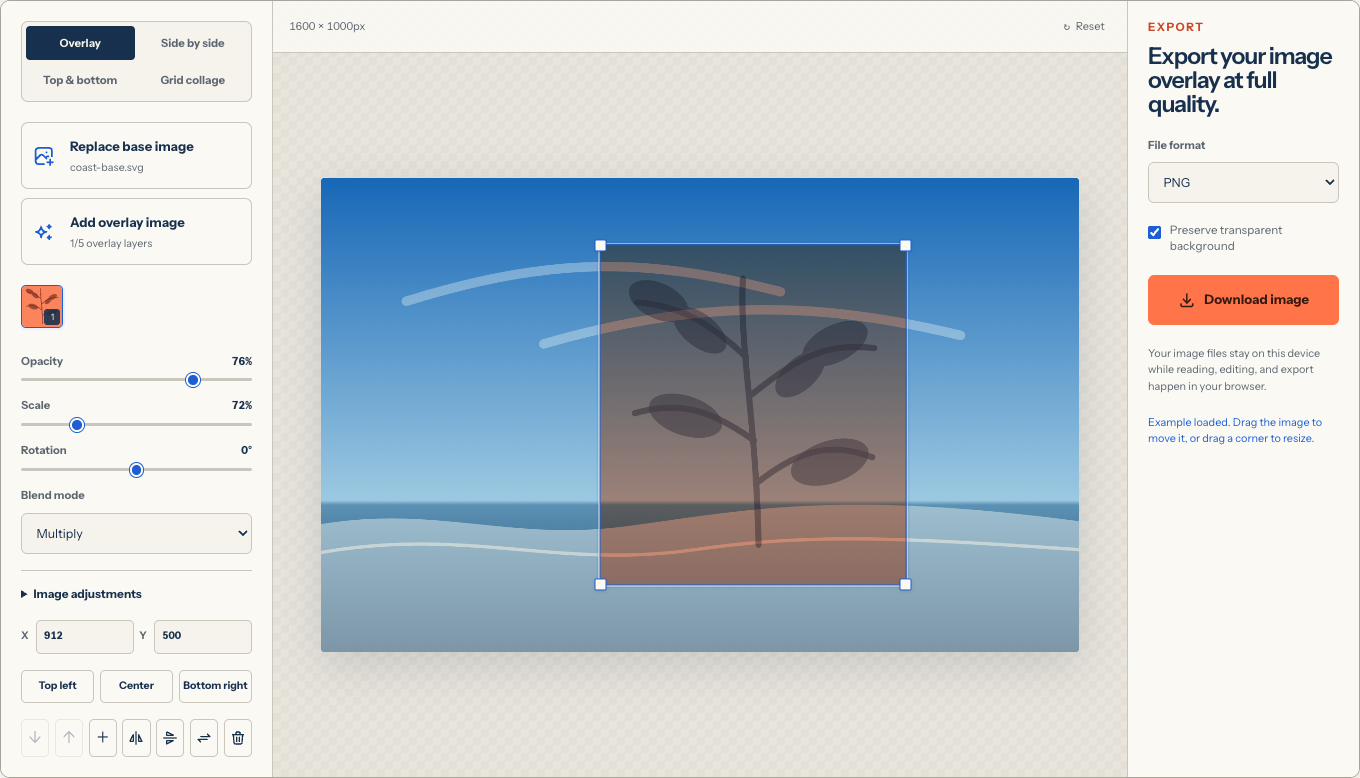
Learn how to overlay images online for free. Add, resize, position, blend, and export image layers in your browser without signup or a watermark.
Read the guideLearn how to put one image on top of another or place pictures side by side. Control layer order, transparency, position, and export in your browser.
Overlay images on iPhone in Safari without installing an app. Add photos, resize layers by touch, adjust opacity, and save a clean PNG, JPEG, or WebP.
Learn two ways to overlay images in Microsoft Word: arrange floating pictures inside a document, or create one finished overlay image before inserting it.
Learn how to overlay images in Canva using uploads, layers, transparency, and positioning, then compare a focused browser workflow for a simple photo overlay.
Overlay images in Photoshop with layers, Free Transform, opacity, masks, and blend modes, or use a focused browser alternative for a simple static result.